Using stickers
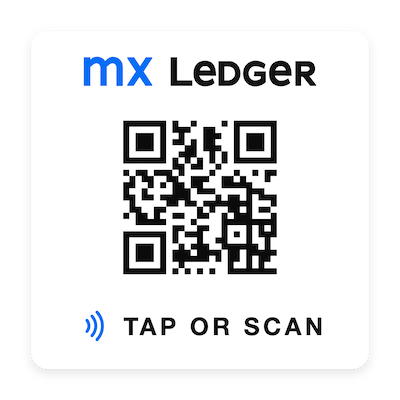
Stickers provide quick access to an aircraft’s MX Ledger data using a mobile phone. Stickers contain a QR code and an NFC chip. Once registered, scanning the QR code or tapping the sticker’s NFC chip will direct the phone to the aircraft’s “record flight” form.
Scanning QR codes on iOS
To avoid signing in every time you scan a sticker’s QR code, use the iPhone Camera app rather than the Code Scanner in Control Center. Scanning with the Camera app opens the sticker’s page directly in Safari, so you’ll stay signed in.
Scanning with the Control Center Code Scanner opens the page in a separate, temporary browser window that doesn’t share your Safari sign-in, so you’ll be asked to sign in each time.
Tapping a sticker’s NFC chip will always load directly in Safari.